
What does school management software include?
School management software is the system an educational institution uses to run everything that is not the teaching itself: who is enrolled, who sits in which group, who attended, who was graded, who paid and who is still deciding whether to sign up. KMPUS groups that work into four modules — academic management, admissions, financial tracking and a CRM — and all four read and write the same student record, so nothing has to be re-typed on the way from one to the next.
Every institution uses the same four modules, but not in the same order. An academy lives in the CRM and the fee ledger; a school lives in the gradebook and the family portal; a private teacher lives in the class calendar. The platform is one; the starting point is yours.
- Academic management: levels, groups, timetables, attendance and evaluations
- Admissions: online applications, documents, approvals and renewals
- Financial tracking: charges, payments, outstanding balances and account statements
- CRM: enquiry capture, funnel stages, follow-up and conversion to student
- One student record shared by all four, plus a mobile app for families
Academic management: classes, attendance and grades
Levels, periods, timetables and classrooms are configured once, and teachers, attendance registers and evaluations hang off that structure. Every mark a teacher enters lands on the same student record admissions created, so a report card is produced from live data instead of from a spreadsheet somebody keeps by hand.
Explore academic management software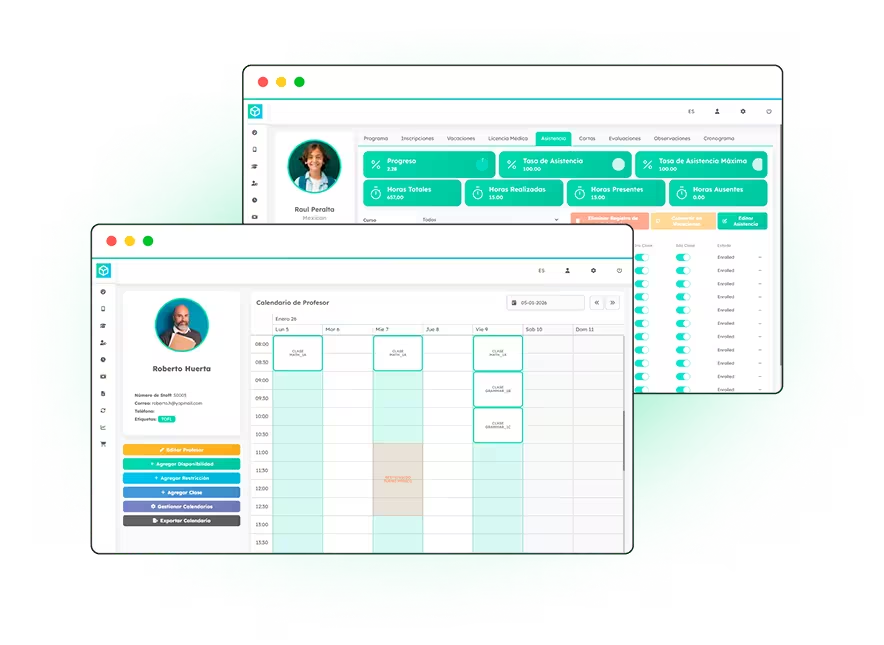
Admissions: from enrolment form to registered student
Applications and renewals are completed online, reviewed in a single panel and approved without printing anything. Documents, contracts and family details are stored against the applicant, and the moment you approve one they become an active student — no second data entry, no shared inbox to search through at the end of the intake.
Explore online admissions software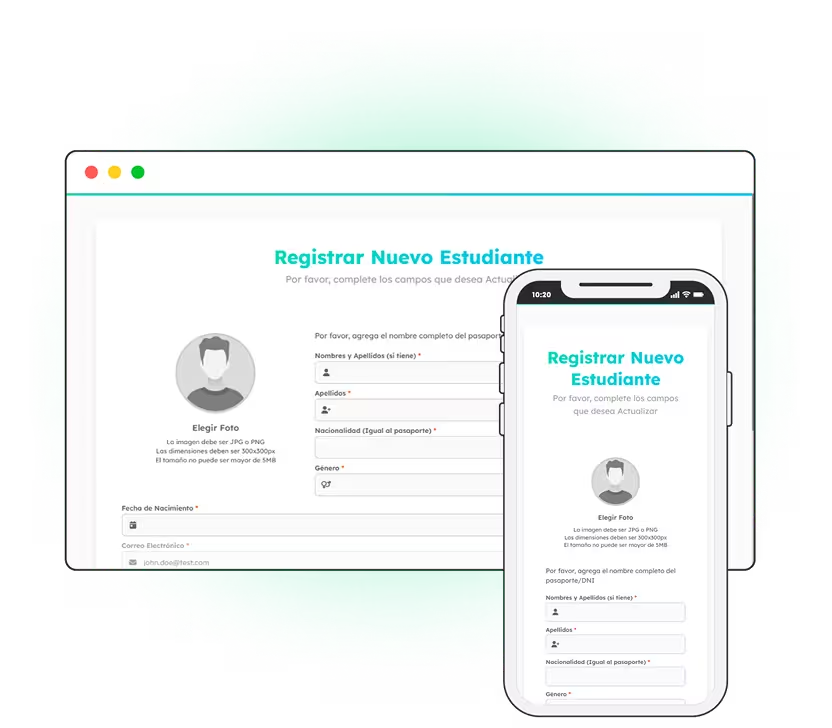
Financial tracking: fees, balances and billing
Charges are generated from the enrolment itself, so what a family owes always matches what they signed up for. Payments, outstanding balances, invoices and account statements sit in one module, and your finance team can answer who owes what without exporting anything into a spreadsheet first.
Explore school fee management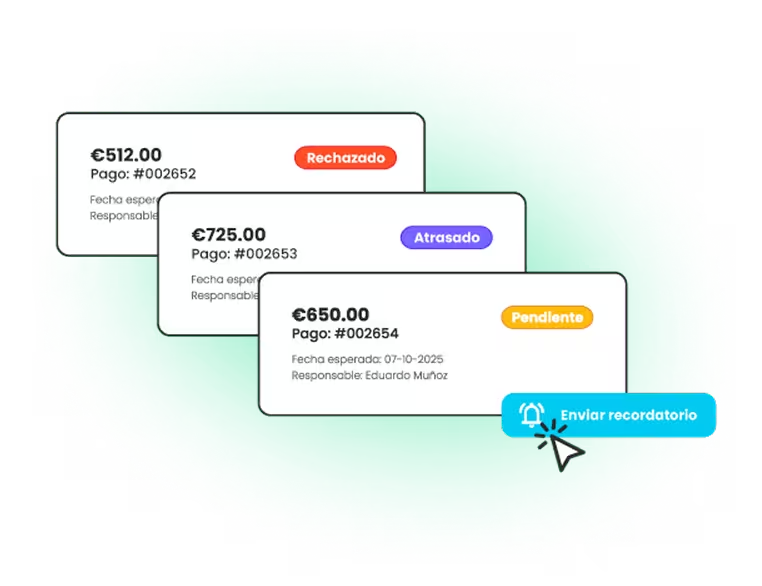
CRM: enquiries, follow-up and conversion
The form on your website feeds a funnel instead of an inbox. Each prospect moves through clear stages with reminders attached, and when one enrols, the record you have already built becomes their student profile — the same person, tracked from the first click through to the first payment.
Explore the CRM for schools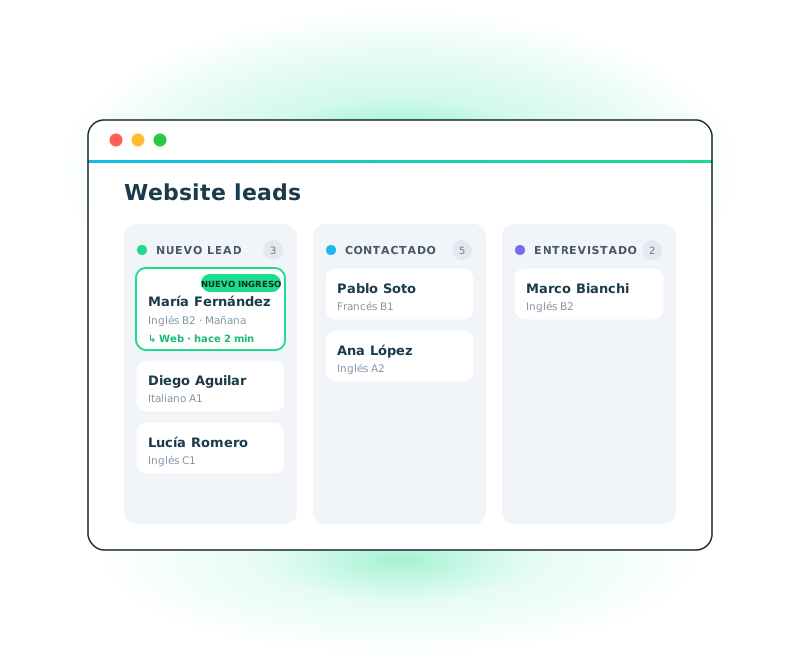
The same modules, configured for your kind of institution
A module list only answers half the question. What decides whether a platform fits is how those modules behave in the institution you actually run: how enrolment arrives, how often you bill, who needs to see a student's progress and how much of it a single person has to do alone. The four modules do not change from one institution to the next — the way they are set up does.
Read it that way instead and you land on school management software for language academies, on K-12 school management software, or on tutor management software for private teachers. The full index of institution types is on school management software by type of school.
And if you would rather see the modules running inside a real institution, three schools and academies explain which modules they switched on first and how many admin hours they got back.